
Mobile Access in 3 Steps
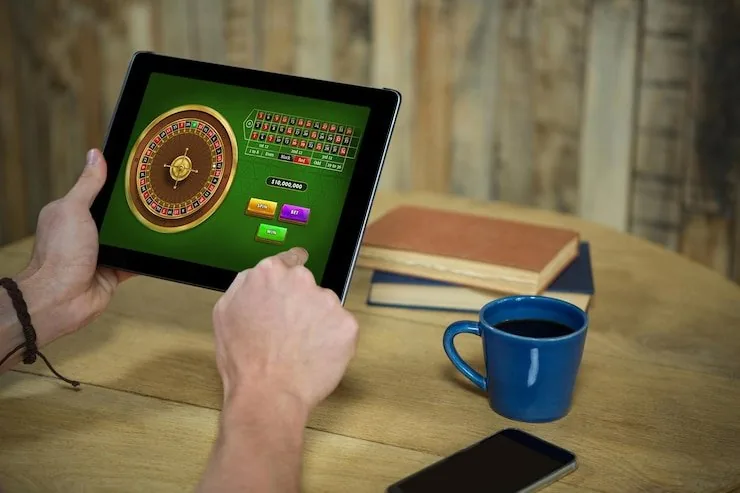
No store listing required to start. Open cb555 in Chrome or Safari on your phone — the site detects your screen size and loads the mobile layout straight away. If you see a prompt to add the site to your home screen, tap it: this creates a shortcut that behaves like an app icon without any file to install. From your home
screen shortcut, tap to open, enter your account credentials, and fingerprint login takes over after the first session. Players in Karachi and Lahore on mid-range Android phones have reported the lobby loading within a couple of seconds on a 4G connection. Availability depends on local law and eligible regions.
- Open the current site — Go to cb555 in your mobile browser. Chrome on Android and Safari on iOS both load the full mobile layout without extra steps.
- Add to home screen — Use your browser's share or menu option to add cb555 to your home screen. This gives you one-tap access without opening the browser each time.
- Sign in securely — Log in with your account credentials. Enable fingerprint or face ID from the security section of your account settings to speed up future sessions.